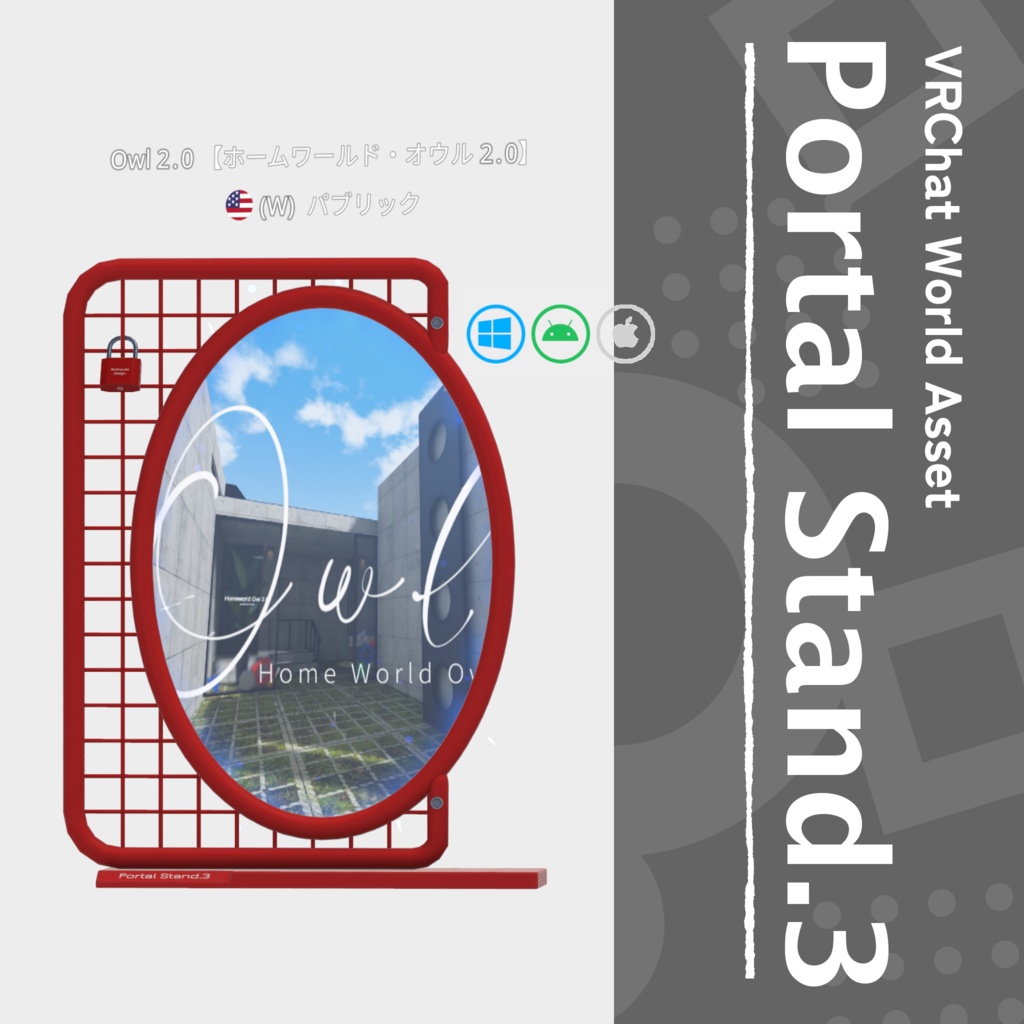
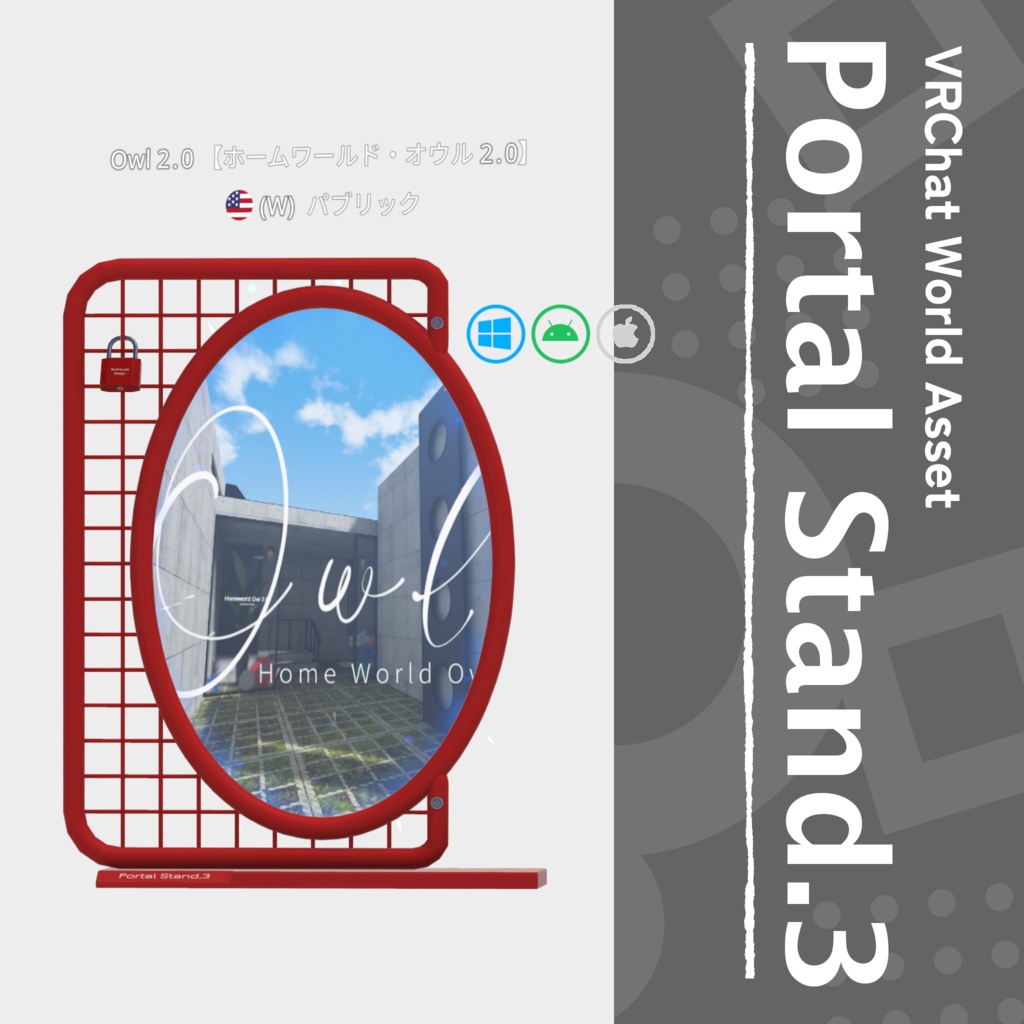
Portal Stand.3【VRChatワールド用ポータルスタンド】
- ダウンロード商品¥ 600
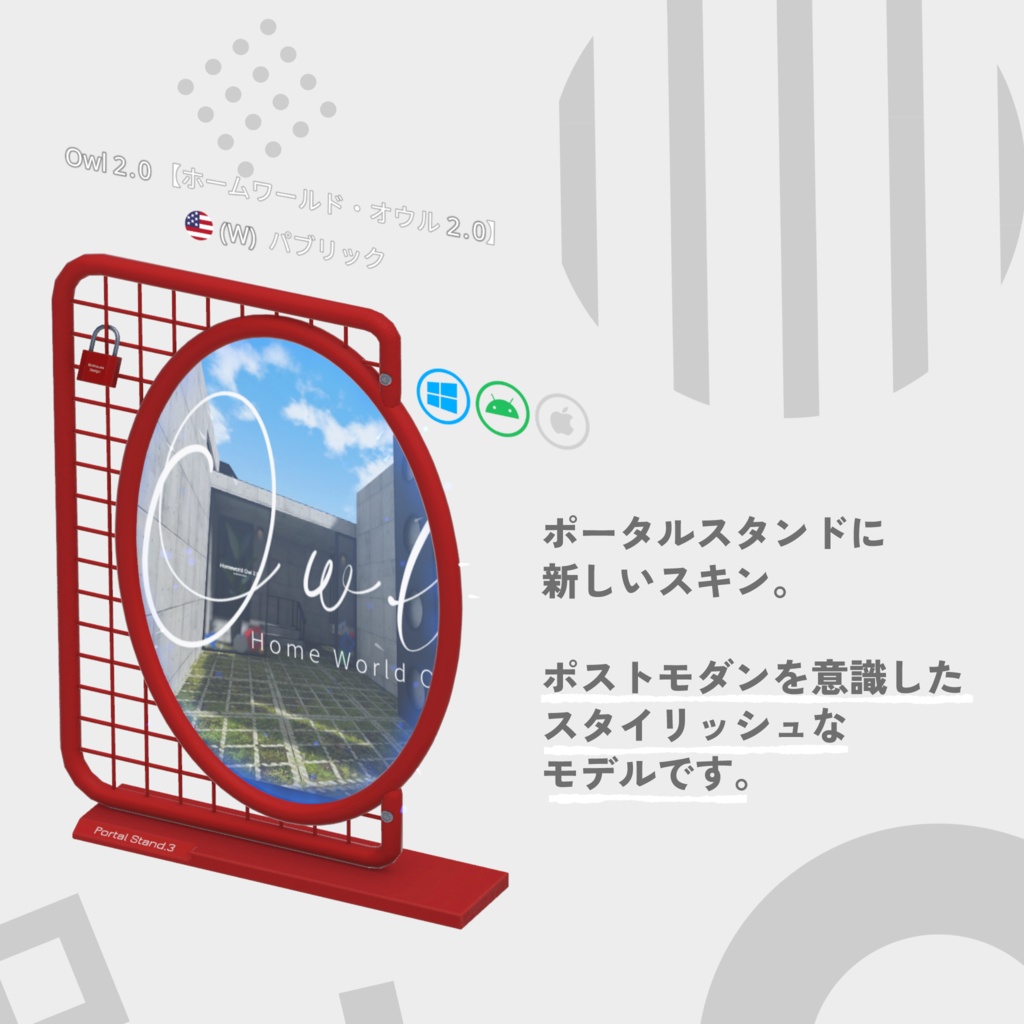
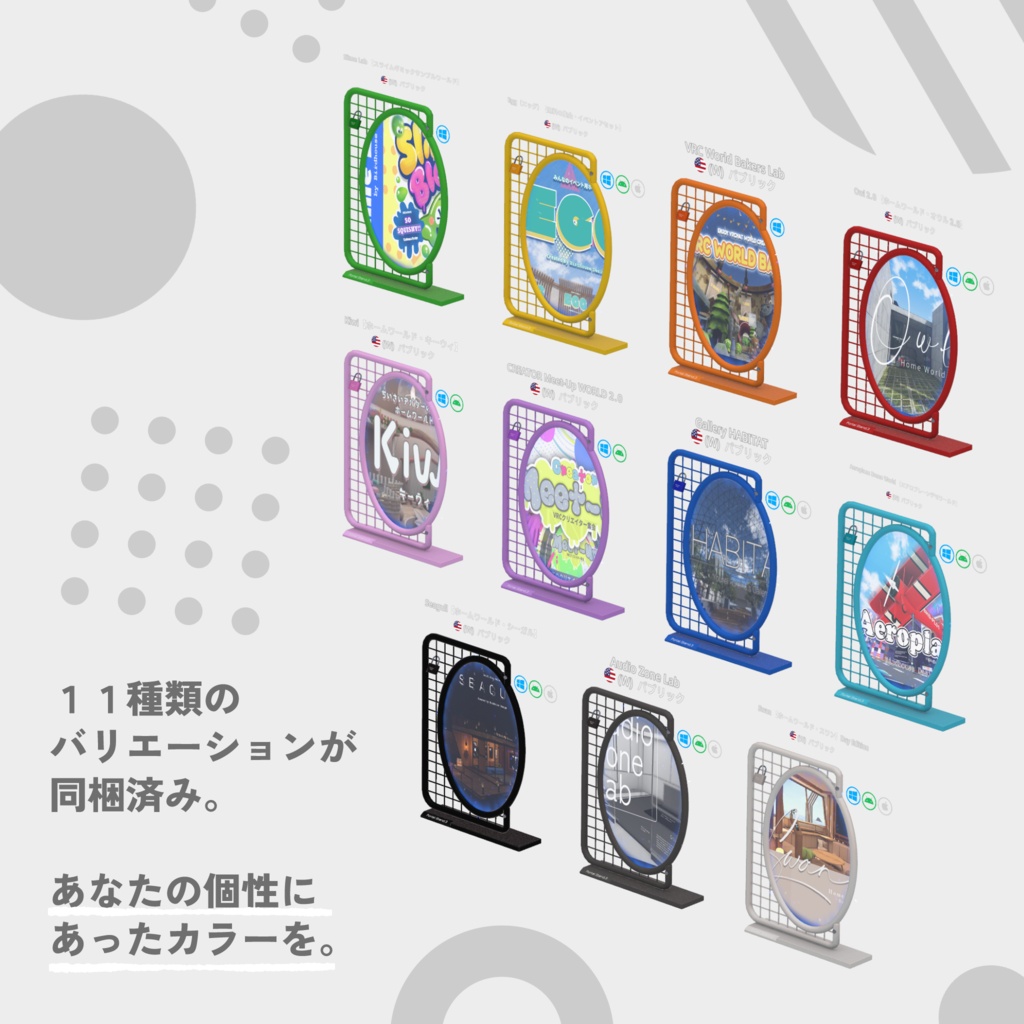
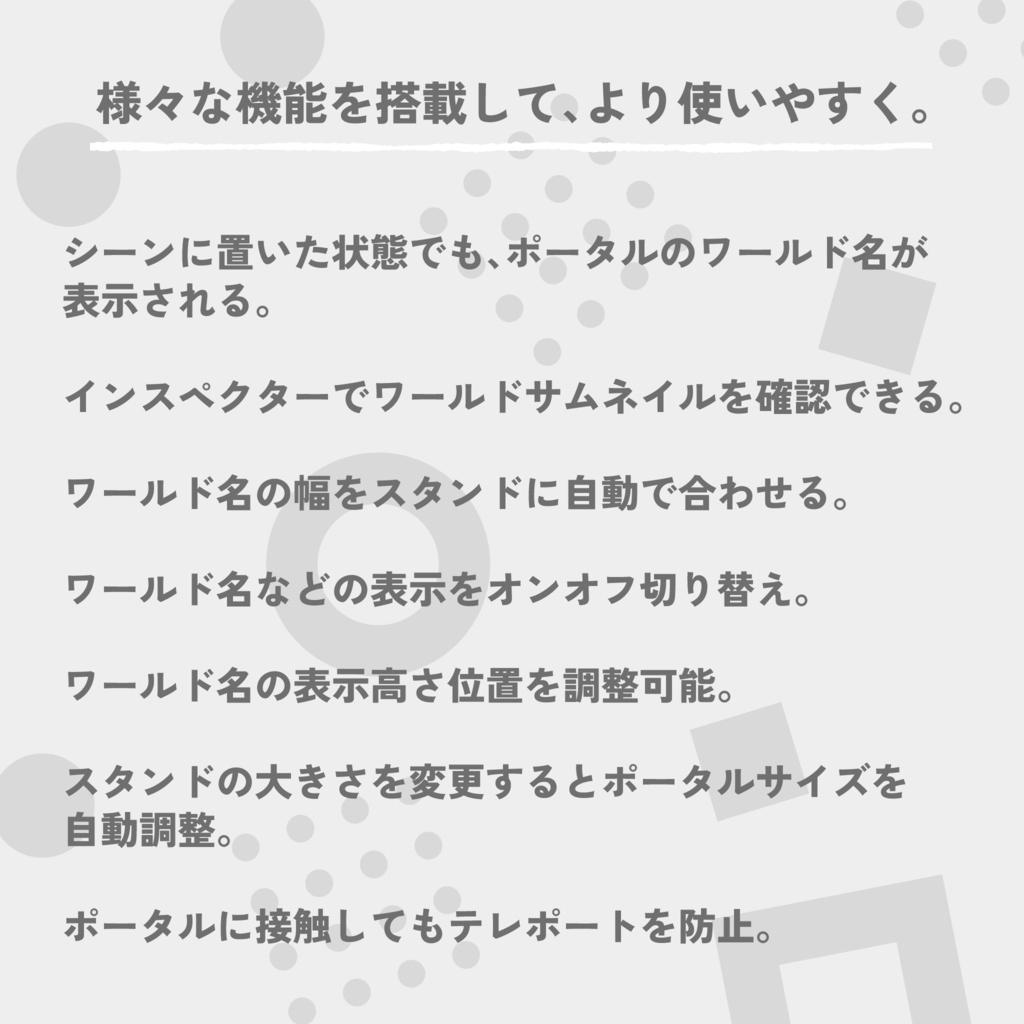
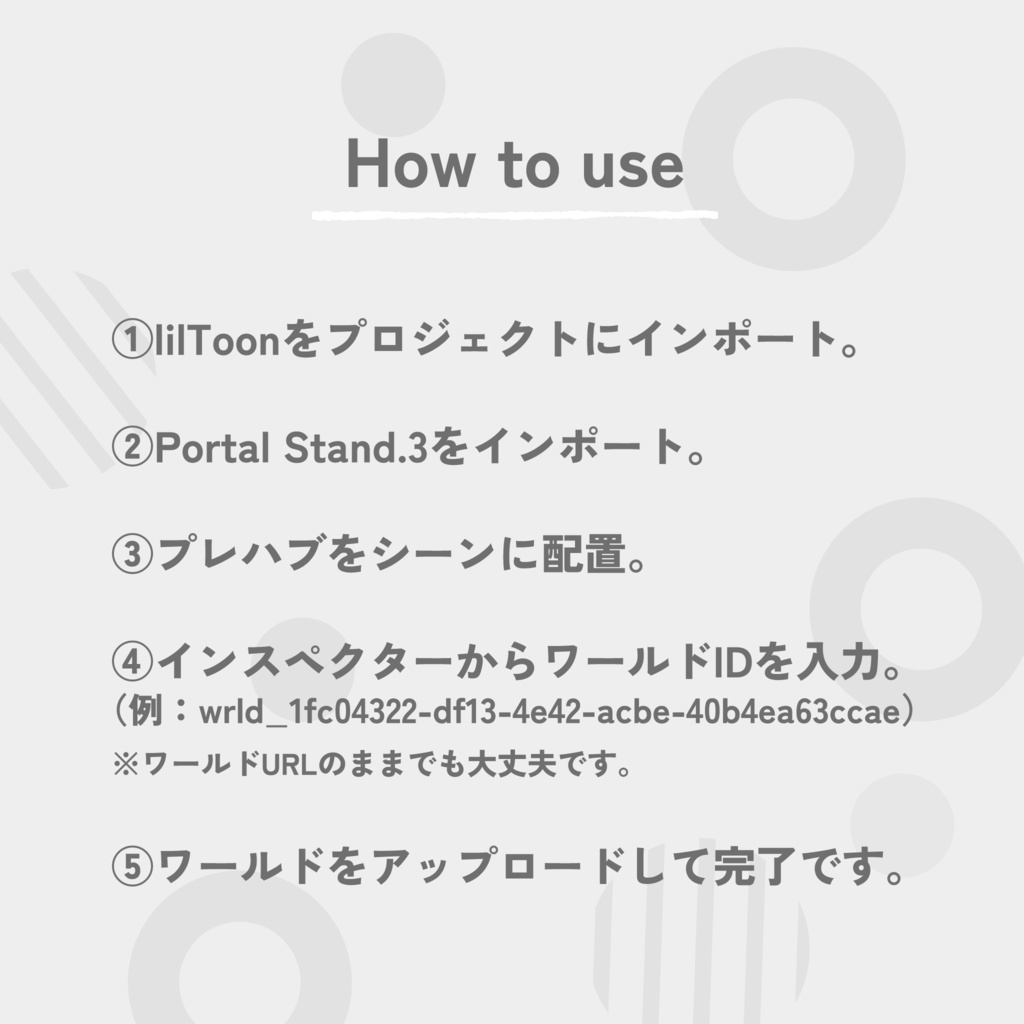
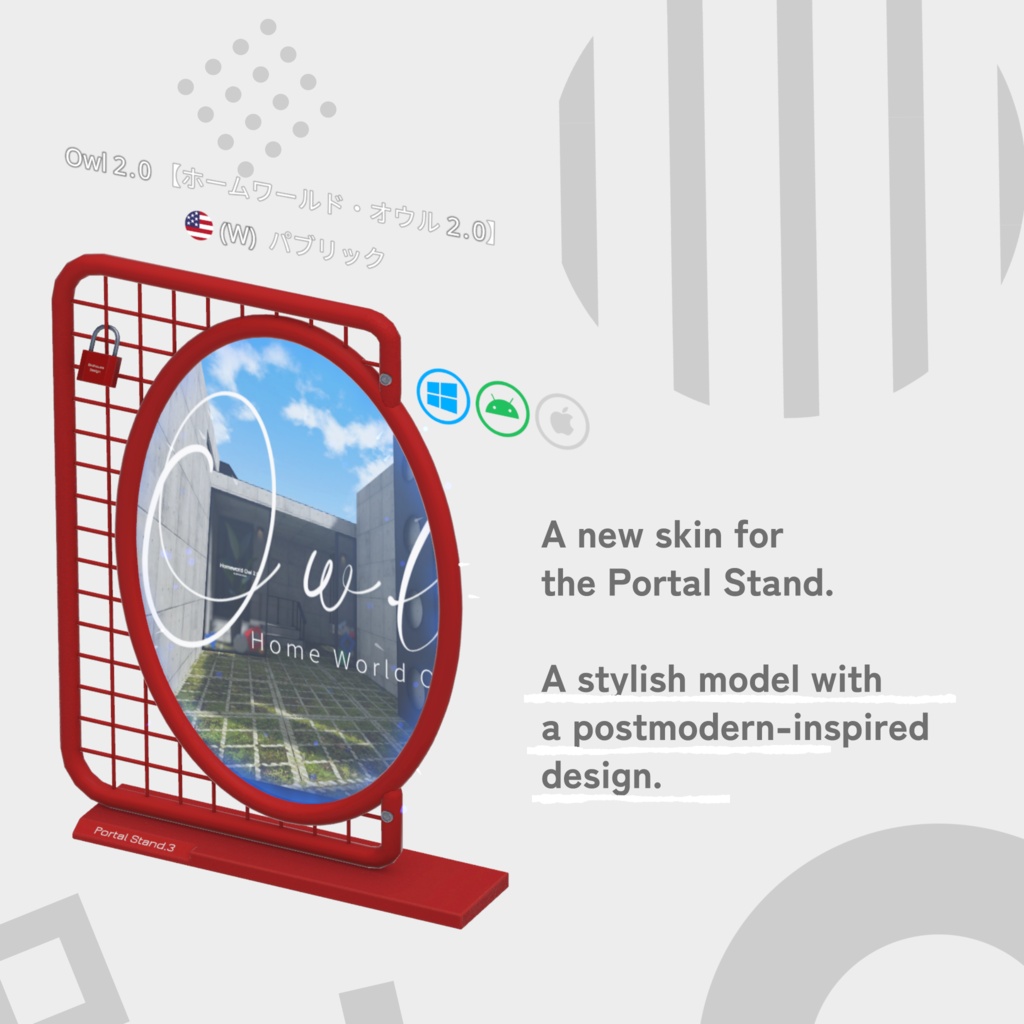
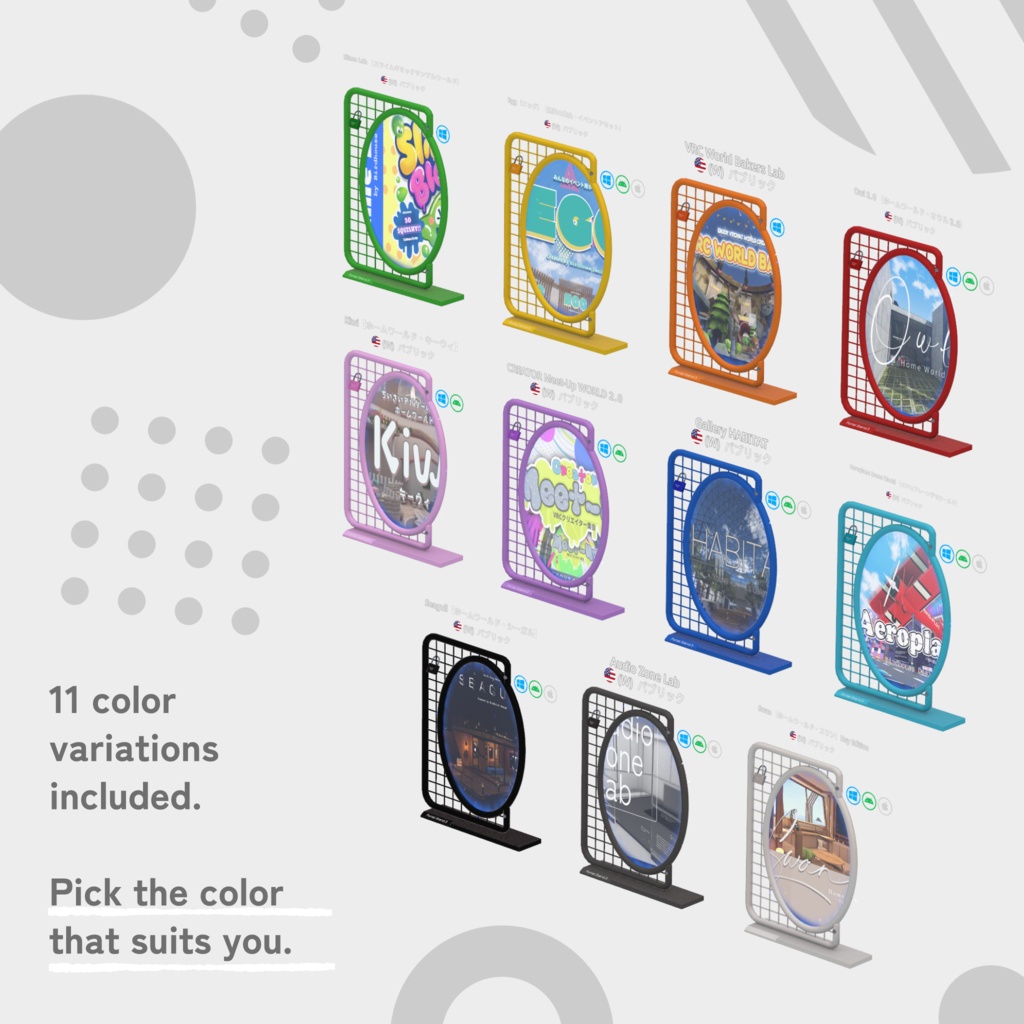
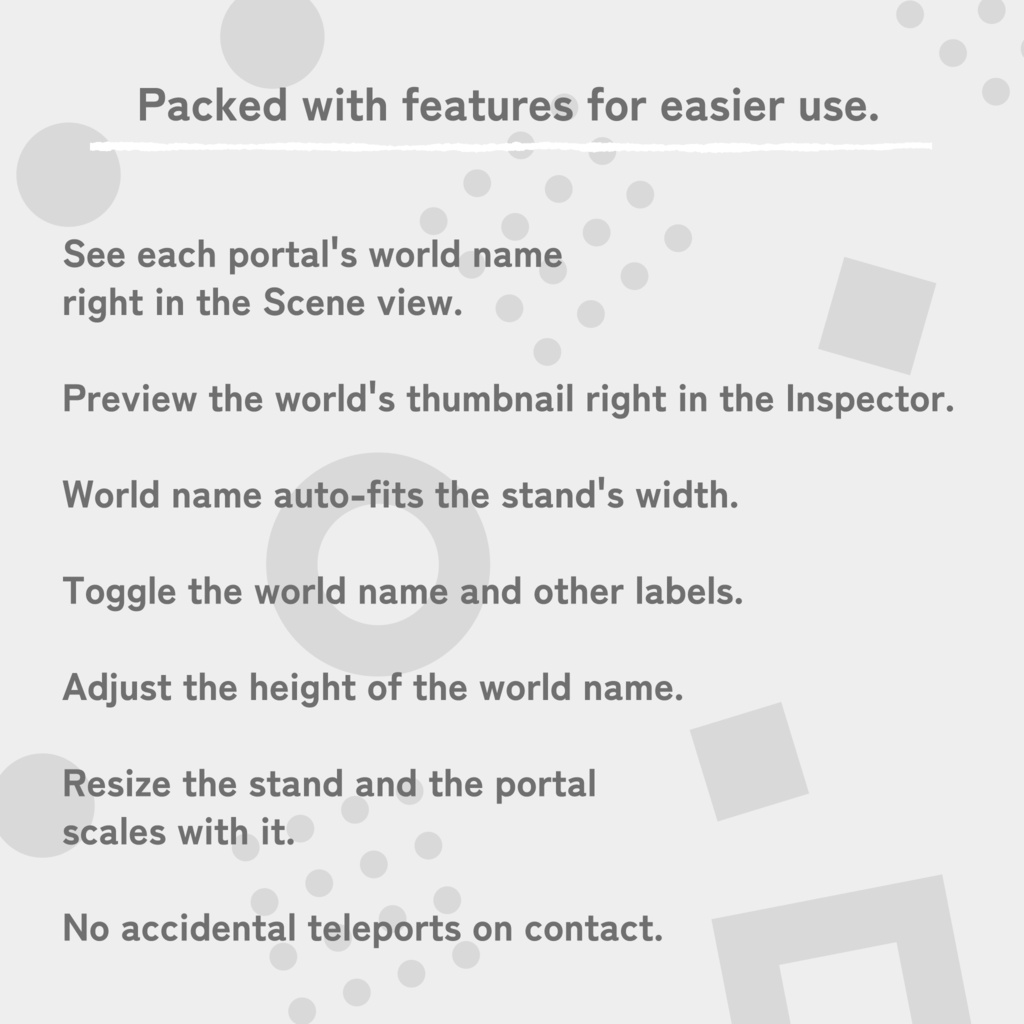
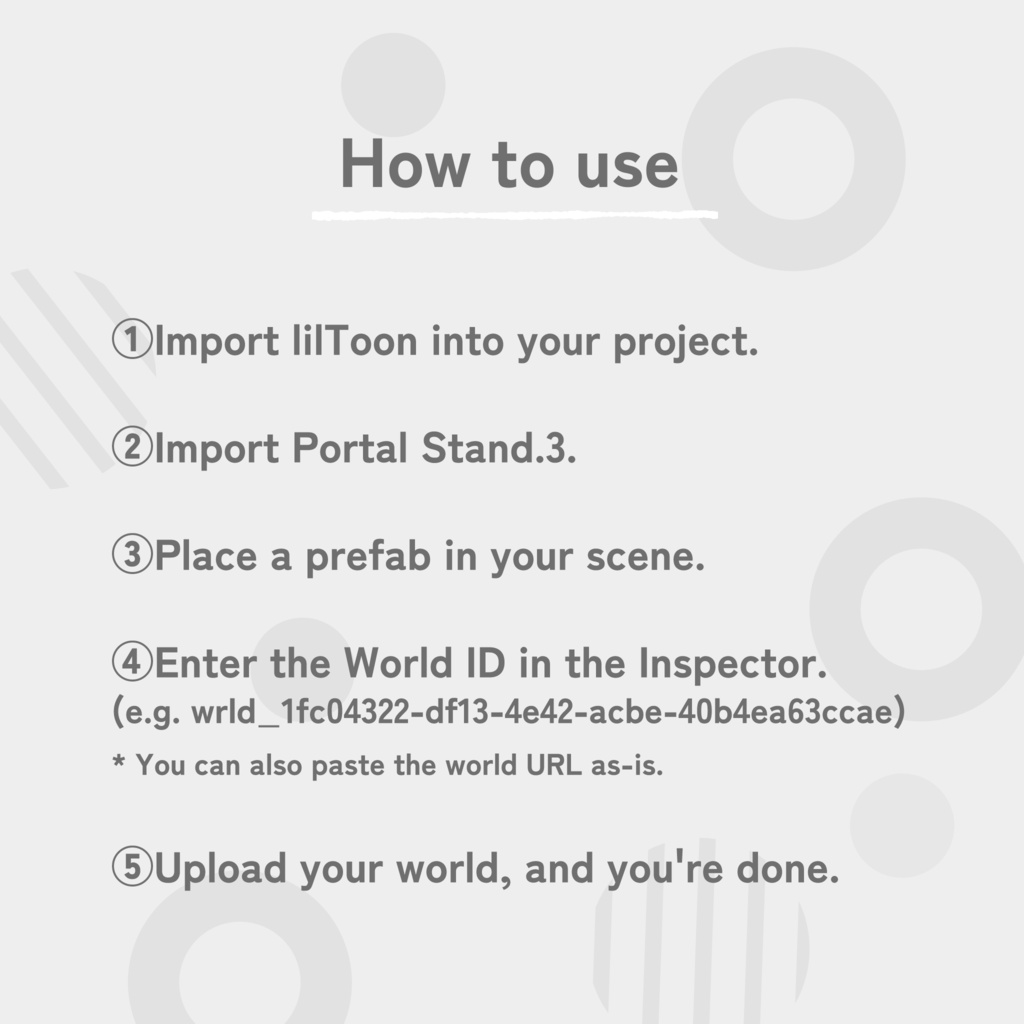
卓上サイズのポータルを、あなたのワールドに飾れます。 Portal Stand.3 は、VRChat のポータルを小さく飾れるスタンドです。 ポストモダンを意識した、太いパイプと格子のデザイン。 11色のカラーバリエーションを同梱しています。 ■ 特徴 ・ワールドIDを入れるだけで使えます(ワールドのURLをそのまま貼ってもOK) ・シーンビューにワールド名を表示。どのポータルか、置いたまま分かります ・インスペクターでワールドのサムネイルを確認できます ・ワールド名の幅をスタンドの横幅に自動で合わせます ・ワールド名/アクセス情報/対応プラットフォームの表示を個別にオンオフ ・ワールド名の表示の高さを調整できます ・スタンドを拡大縮小すると、ポータルの大きさも自動で追従します ・ポータルに触れてもテレポートしません ・インスペクターは日本語/英語の切り替えに対応 ■ カラー(全11色) Red / Orange / Yellow / Green / Lightblue / Blue / Purple / Pink / White / Gray / Black ■ 使い方 1. lilToon をプロジェクトにインポート 2. Portal Stand.3 をインポート 3. プレハブをシーンに配置 4. インスペクターからワールドIDを入力 5. ワールドをアップロードして完了です ■ 内容物 ・Unitypackage(プレハブ11種、モデル、テクスチャ、スクリプト) ■ 動作環境 ・Unity 2022.3.22f1 ・VRChat SDK - Worlds 3.10.6 以降 ・UdonSharp ・lilToon(別途導入が必要です) ・対応プラットフォーム :PC / Android / iOS ーーーーーーーーーーーーーーーーーーーー A tabletop-sized portal for your world. Portal Stand.3 is a stand that lets you display a small VRChat portal. A postmodern-inspired design of thick pipes and a grid. 11 color variations are included. ■ Features - Just enter a World ID (you can also paste the world URL as-is) - Shows the world name in the Scene view, so you can tell portals apart while editing - Preview the world's thumbnail in the Inspector - The world name auto-fits the stand's width - Toggle the world name, access info, and platform icons individually - Adjust the height of the world name - Resize the stand and the portal scales with it - No accidental teleports on contact - Inspector available in Japanese and English ■ Colors (11) Red / Orange / Yellow / Green / Lightblue / Blue / Purple / Pink / White / Gray / Black ■ How to use 1. Import lilToon into your project 2. Import Portal Stand.3 3. Place a prefab in your scene 4. Enter the World ID in the Inspector 5. Upload your world, and you're done ■ Contents - Unitypackage (11 prefabs, model, textures, scripts) ■ Requirements - Unity 2022.3.22f1 - VRChat SDK - Worlds 3.10.6 or later - UdonSharp - lilToon (not included) - Platforms: PC / Android / iOS
利用規約
・政治利用および宗教や特定の思想を目的とした使用を禁止します。 ・内部データの二次配布および販売を禁止します。 ・内部データの譲渡を禁止します。 ・営利を含まないワールドのパブリックでの使用を許可します。 ・パブリック使用の際には著しく著作物の品位を貶める改変を禁止します。 ・動画撮影や商品撮影など、撮影された動画や画像の公開を許可します。
更新履歴
2026.11.20 ver1.0 販売開始